01 · Always current
Updated every month
New and updated content as models, tools and attack patterns change.
Role-based AI learning paths delivered in Microsoft Teams, Slack or any browser. Interactive conversational practice, not video courses.
 Microsoft Teams
  Slack
Slack  Any browser
No credit card neededSupports EU AI Act Article 4
Monthly
Content updated as the tools move
Role-based
Paths per role, not one course for all
Article 4
Evidence for the EU AI Act literacy duty
The tools change monthly, the risks change with them, and a marketer and a developer do not need the same lesson. CyberCoach is built for that.
01 · Always current
New and updated content as models, tools and attack patterns change.
02 · Your rules
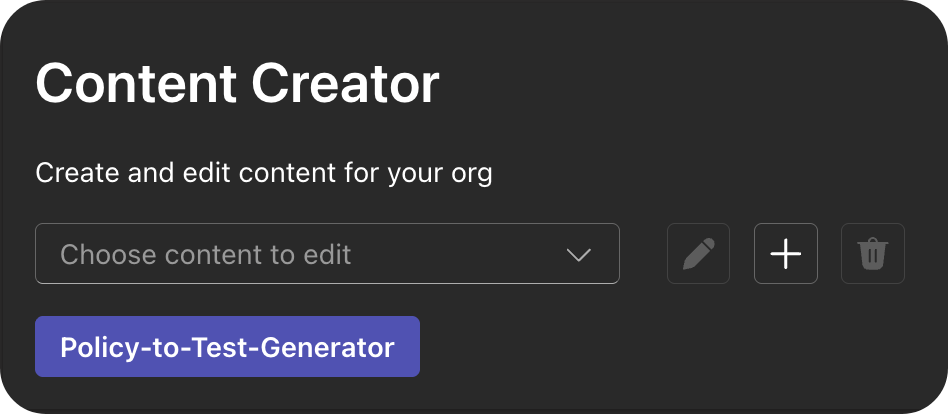
Turn your own acceptable-use policy into a training with the Content Creator, so people learn the rules that actually apply to them.

03 · Per role
Developers get prompting for code quality and safe LLM use, leadership learns about using AI for decision-making support, salespeople learn how to gain productivity and so on.
Paste in the policy, pick the audience, and CyberCoach generates the training. Edit anything before it goes out, then let it run on the schedule you set.
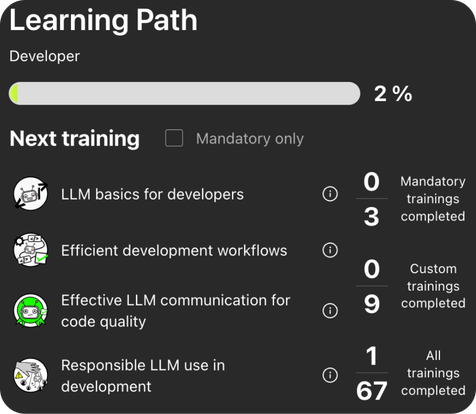
Each path is a short sequence of interactive conversational trainings assigned to a role and spread over time, so learning lands in the flow of work instead of one long session.
CyberCoach runs as a native Microsoft Teams or Slack app, and in the browser for everyone else. No separate portal, no extra login, no chasing completion rates.
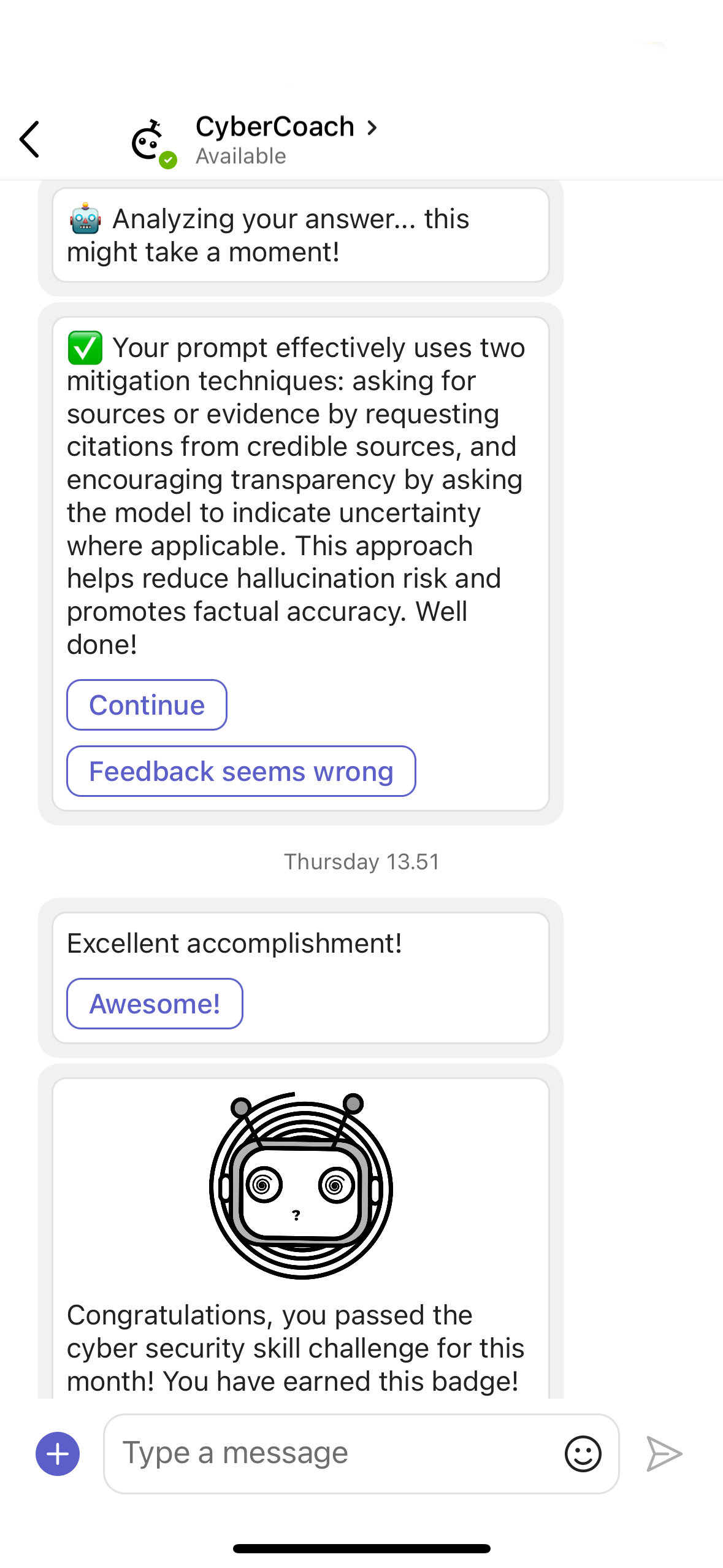
Yes. Article 4 requires organizations to ensure a sufficient level of AI literacy among the people operating AI systems. CyberCoach delivers role-based AI training and records successful completions as evidence.
Both, deliberately. The paths cover getting useful results from AI tools and the safe side — data handling, prompt hygiene, hallucinations, disclosure and shadow AI — because separating the two is impossible in practice.
Yes. The Content Creator turns your acceptable-use policy or any other text-based materials into trainings in a couple clicks, and you review and edit everything before it is published.
CyberCoach trainings take some minutes each and can be completed on-demand in Teams, Slack or the browser on the cadence you set, rather than as a single long course. Users can even start training on one device, and finish it on another. Also smoothly on mobile.
Completion and progress per role and per path, exportable as audit evidence. Completion is recorded, answer reports are available to measure skill development and potential gaps on group level, how an individual answered is not.
Try it free, or bring your AI policy to a demo and see it turned into training in the session.